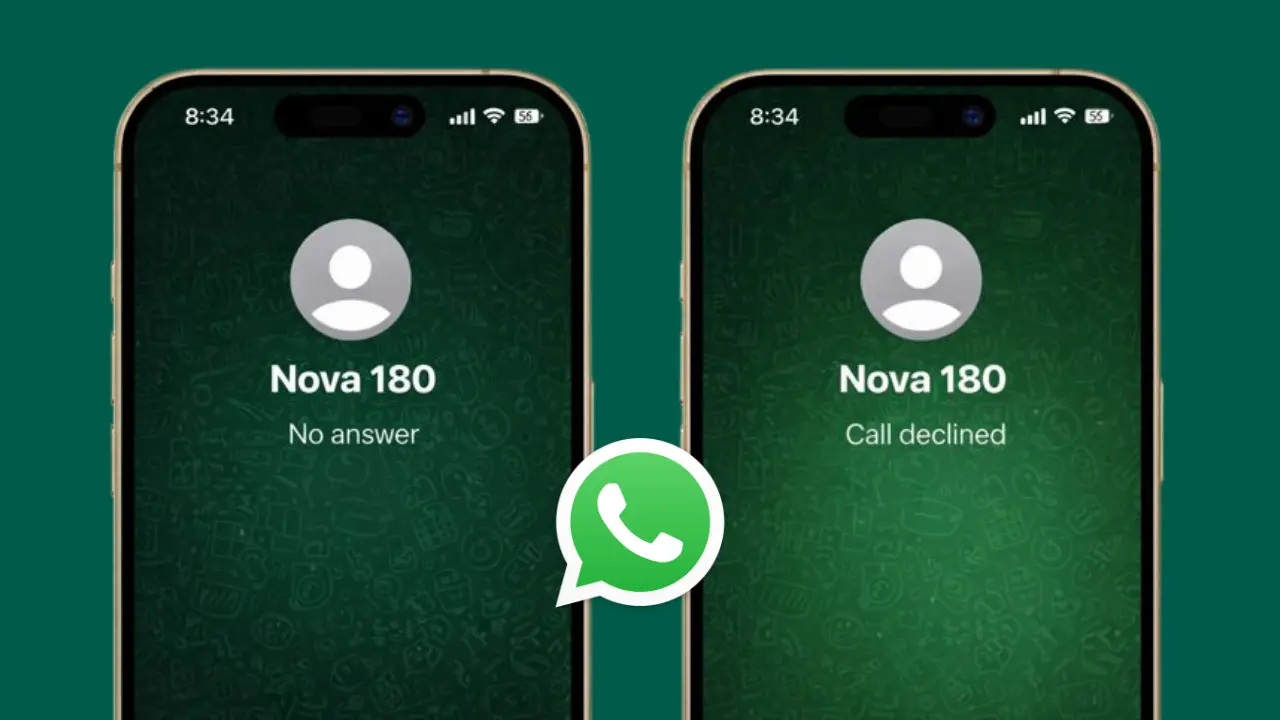

WhatsApp calling is simple to use, but sometimes the call screen shows confusing messages like Unavailable, No Answer, or Call Declined. These messages do not always mean the same thing, and many users misunderstand them.
In this guide, we will clearly explain what each WhatsApp call status means, why it appears, and what you can do when you see it.
Also read: WhatsApp Rings in 2026 With a Fun Animated Sticker — Here’s How You Can Use It
Why WhatsApp Shows Call Status Messages
WhatsApp relies on internet connectivity, app permissions, and device settings. When something interrupts the calling process, WhatsApp displays a status message to indicate what happened during the call attempt.
These messages help explain whether the issue was due to network problems, phone settings, or the other person’s availability.
Meaning of “Unavailable” on WhatsApp Calls
When a WhatsApp call shows Unavailable, it usually means the call could not reach the other person at all.
Common reasons include:
- The other person’s phone is turned off
- No internet connection on either side
- WhatsApp is not running in the background
- Temporary WhatsApp server issues
- The contact has changed devices or reinstalled WhatsApp
This status does not confirm anything about being blocked. It mainly points to a connection issue.
Meaning of “No Answer” on WhatsApp Calls
The No Answer status appears when the call successfully reached the other person’s device, but they did not pick up.
This can happen when:
- The person is busy
- Phone is on silent or vibration
- They did not notice the incoming call
- They chose to ignore the call
In this case, WhatsApp connected properly, but the call was simply unanswered.
Meaning of “Call Declined” on WhatsApp
If you see Call Declined, it means the other person actively rejected the call.
Possible situations include:
- They pressed the decline button
- They were already on another call
- They did not want to take the call at that moment
This status clearly indicates user action, not a technical problem.
Why WhatsApp Calls Sometimes Fail Without Clear Reason
Sometimes calls fail even when everything looks fine. This can be due to:
- Weak or unstable internet
- Battery optimization blocking WhatsApp
- Outdated WhatsApp version
- Background data restrictions
- Temporary app glitches
Restarting the app or switching networks often fixes these issues.
Can These Statuses Indicate Privacy Settings?
WhatsApp call messages do not directly reveal privacy settings. However, features like silencing unknown callers or notification restrictions may affect how calls behave.
WhatsApp does not show a specific message when someone uses privacy-based call controls.
What You Can Do If WhatsApp Calls Keep Showing Errors
If you repeatedly face call issues:
- Check internet connection
- Update WhatsApp to the latest version
- Allow background data usage
- Disable aggressive battery saving
- Restart the phone
These steps usually resolve most calling problems.
Also read: WhatsApp Is Finally Adding WhatsApp Status Drafts — Here’s How the New Feature Works
Final Thoughts
WhatsApp call status messages are designed to give basic information about what happened during a call attempt. Unavailable, No Answer, and Call Declined each mean different things and do not always indicate a serious issue.
Understanding these messages helps avoid confusion and unnecessary assumptions. In most cases, the reason is simple and temporary.