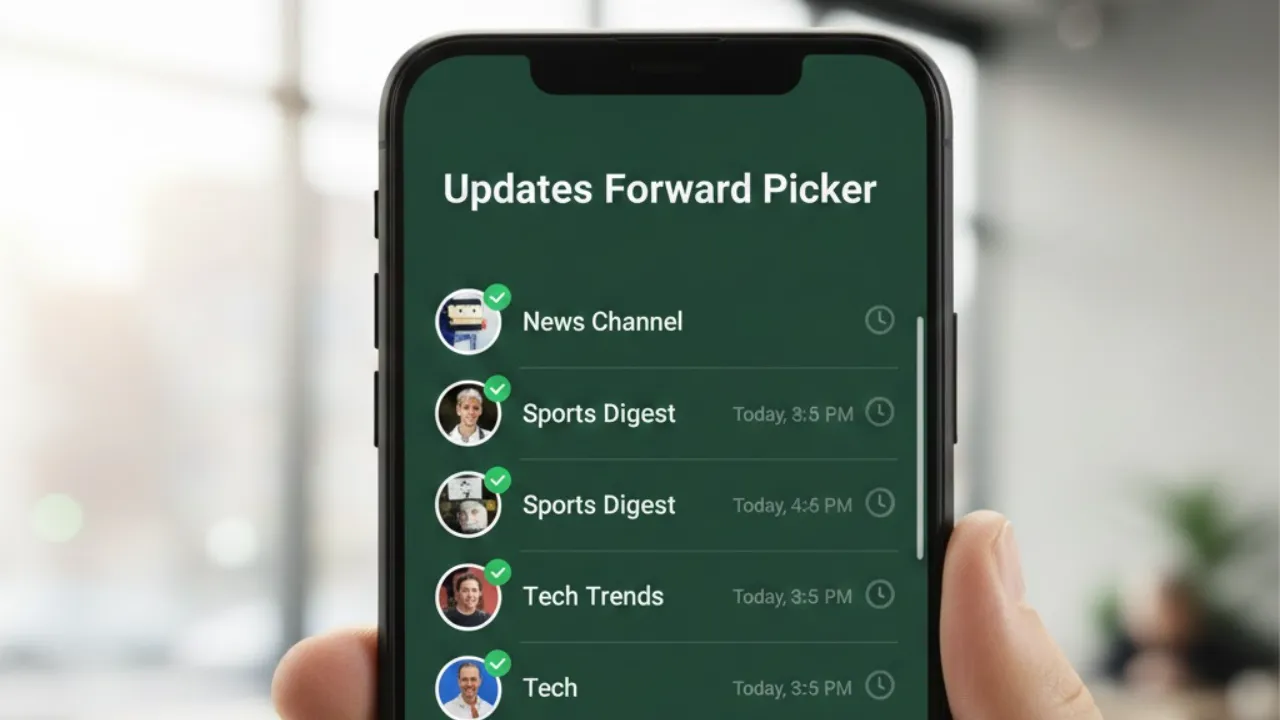

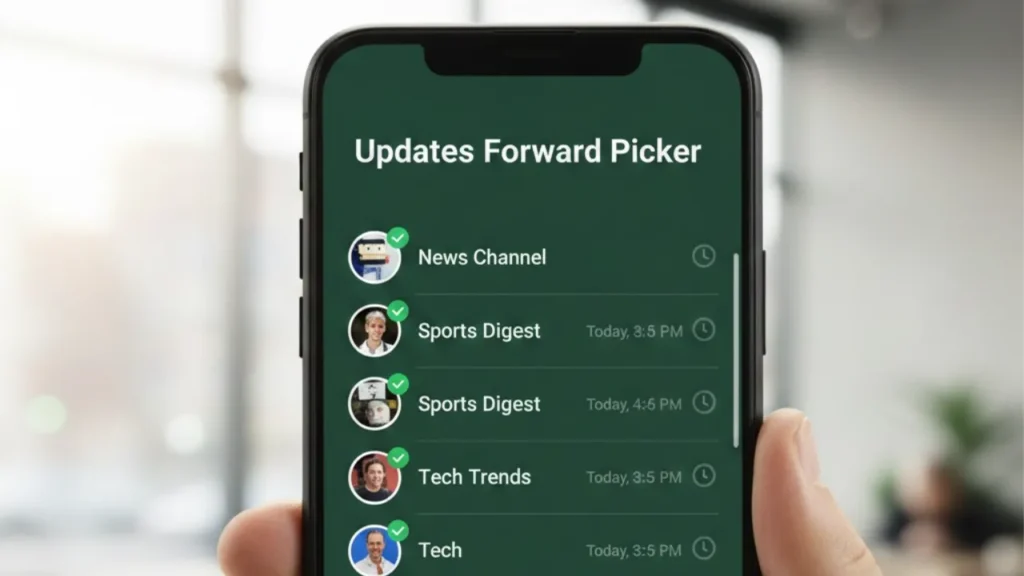
WhatsApp Updates Forward Picker: WhatsApp is continuing its UI refresh efforts with a redesigned forward picker interface aimed at making message forwarding faster, clearer, and more intuitive. The new improvements are now rolling out to select users through the WhatsApp beta for Android 2.25.37.2 update on the Google Play Store.
A More User-Friendly Forwarding Experience
Earlier, in the WhatsApp beta for Android 2.25.24.8, WhatsApp introduced checkboxes in the forward picker, allowing users to tap and visually mark contacts or groups before forwarding a message. These checkboxes—currently being tested in both round and square styles—help users get instant visual confirmation of their selections, especially useful for beginners navigating WhatsApp’s interface.
Now, WhatsApp is taking the experience a step further with a new design that reorganizes the forward picker to reduce clutter and emphasize the primary actions.
What’s New in the Updated Forward Picker?
1. Selected Contacts Moved to the Top Bar
Previously, the bottom section displayed the selected contacts, a message field, and a small send button. This layout often felt crowded.
In the revamped interface:
- Selected recipients now appear in the top app bar as a subtitle.
- This clears up screen space and makes the design cleaner and more modern.
2. New, Larger Forward Button
The old chat-style send button has been replaced with a more noticeable forward button placed at the bottom of the screen.
This improves clarity by highlighting the primary action: forwarding the message.
3. Group Creation Option Made More Prominent
WhatsApp has moved the “Create New Group” feature from the top bar to the bottom next to the forward button.
- It becomes active when two or more contacts are selected.
- This placement encourages users to create groups directly from the forwarding flow, simplifying the process.
The feature existed before but was easy to overlook. The new placement makes it more discoverable and user-friendly.
4. WhatsApp Testing Multiple Layout Variations
Some users are seeing a hybrid design:
- Selected contacts still appear at the bottom (like the old layout).
- The group creation button has been moved to the bottom (like the new layout).
This allows WhatsApp to analyse user behavior and decide which configuration is more intuitive before finalizing the interface.
Why These Changes Matter
The updated interface aims to help:
- New users by making the forwarding process clearer and easier to understand.
- Experienced users by providing a faster workflow with bigger action buttons and fewer distractions.
The larger forward button, cleaner layout, and easier access to group creation together create a more guided and efficient forwarding experience.
Availability
The newly redesigned forward picker is currently rolling out to:
- Select beta testers using WhatsApp beta for Android (2.25.37.2).
Since this is an early rollout, WhatsApp is fine-tuning the feature based on feedback. Once stable, the update is expected to expand to more users in the coming weeks.
Also read;
Samsung Galaxy S26 Leak Reveals Major Camera Downgrade Decision, Possible Shift in Launch Timeline
Google Photos Gets New Video Editing Tools: Highlight Video Templates, Music, Text & More
🚀 The Quest Continues: iQOO 15 Review – Can the Flagship Killer Justify a Flagship Price?
GTA 5 Mansion Update: “A Safehouse in the Hills” Sparks GTA 6 Speculation Ahead of Release