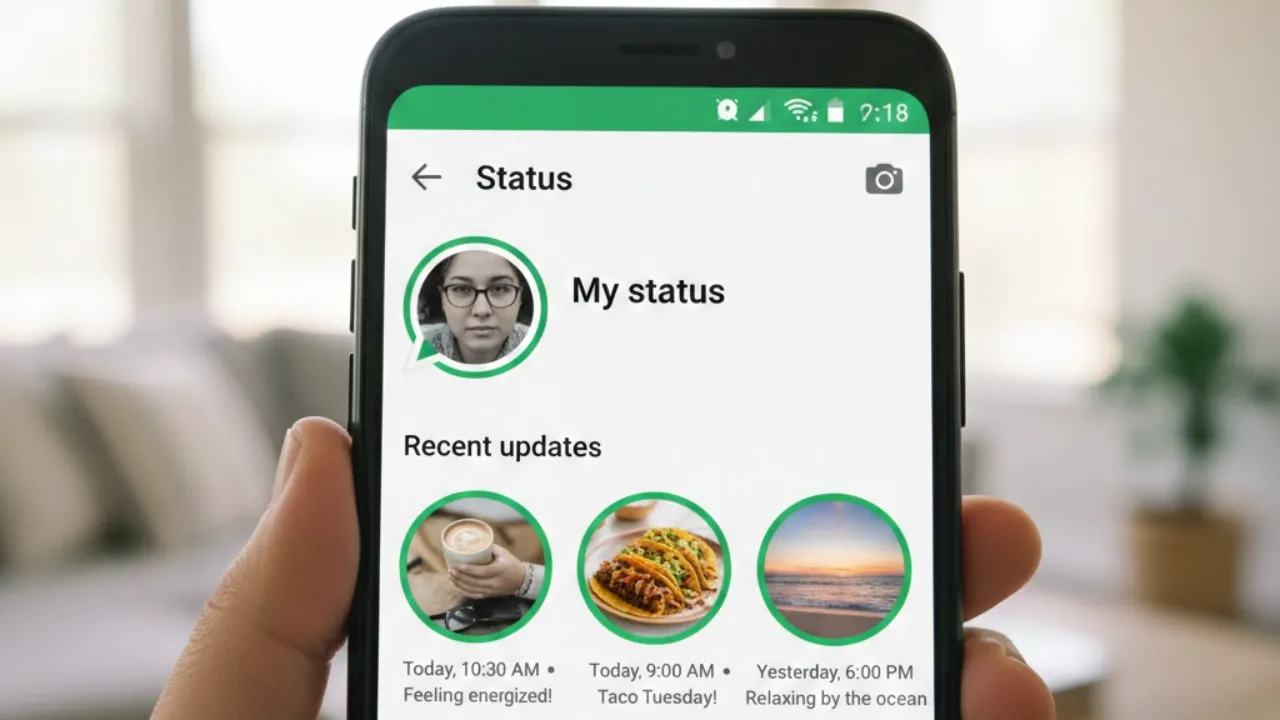

WhatsApp Status Updates: WhatsApp is taking another big leap in the world of AI-powered creativity. After adding new Meta AI image features earlier this year, the messaging platform is now testing a major upgrade that brings these tools directly into Status updates. The latest WhatsApp beta for Android (version 2.25.36.12) reveals that users can now apply “Imagine” editing features right before posting a Status — unlocking a whole new level of customization and visual creativity.
This upgrade builds on the AI tools Mark Zuckerberg recently announced, including Imagine editing and the Imagine Yourself feature. These options allow users to modify images with natural prompts, add or remove details, change the visual style or appearance of a photo, and even generate photos of themselves in entirely new scenarios. Now, WhatsApp is expanding those tools beyond chats and into Status updates, turning everyday posts into AI-powered mini artworks.
A Quick Recap: What Are Imagine and Imagine Yourself?
WhatsApp originally introduced Imagine editing as a way for users to ask Meta AI to transform an image. With a simple instruction, users can adjust lighting, add objects, erase unwanted elements or even reshape the entire scene.
“Imagine Yourself” goes a step further. By typing “Imagine me…” users can create personalized AI photos of themselves in different settings and styles — from fantasy worlds to professional portraits to cinematic themes.
These features were designed to make AI creativity simple, fun and highly personal. And now, WhatsApp is layering those same capabilities into the Status posting flow.
Imagine Tools Now Embedded in Status Updates
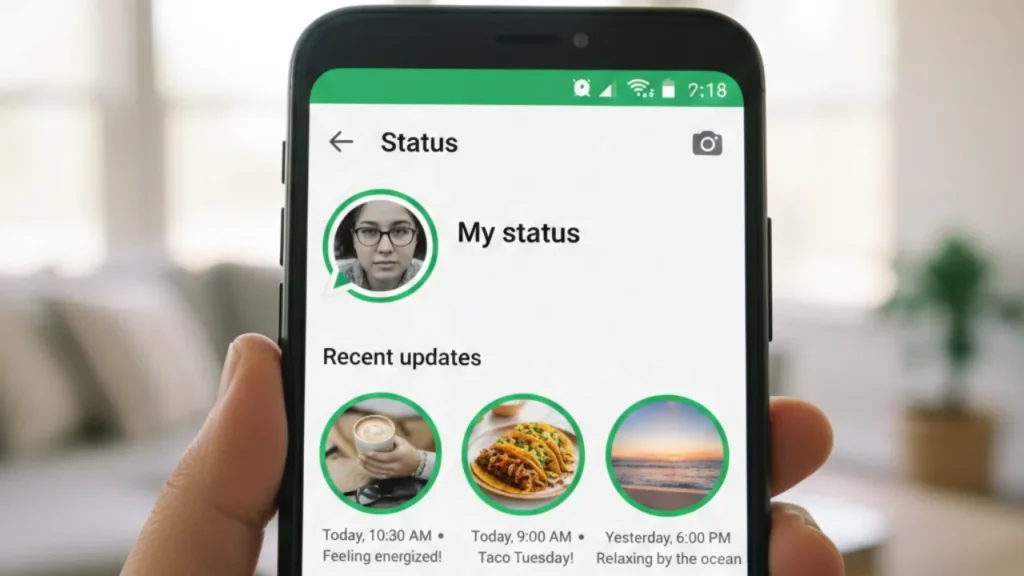
After installing the latest WhatsApp beta for Android, some users will notice a major change in the Status editing interface. WhatsApp has quietly rolled out a new tool powered by Meta AI that allows you to modify an image before publishing it as a Status.
A key indicator that you have access:
If the Filters button has been replaced with an Effects label, the AI-powered feature is active for your account.
This marks the first time WhatsApp has combined its Status feature with full-fledged AI image generation and editing tools — a much richer offering than the limited editing options that existed earlier.
Creative Styles That Completely Transform Your Status
Inside the new Effects section, users will find a collection of artistic styles powered by Meta AI. These aren’t basic filters — they completely restyle the image visually, almost like handing your photo over to a digital artist.
Available styles include:
- 3D
- Collage
- Anime
- Paper
- Illustrated
- Low Poly
- Cartoon
- Goth
- Art Deco
- Cinema
- Watercolor
Each style gives the image a distinct look — from dramatic and moody visuals to bright, playful effects. If the generated result doesn’t match your taste, you can simply request a new variation until you get the perfect one.
Beyond Filters: Content Editing With AI
The Imagine integration isn’t just about changing a photo’s style. Users can now modify specific elements in their image with short prompts. That includes:
- Adding new objects or decorations
- Removing unwanted items or clutter
- Rebuilding parts of the scene digitally
- Changing the background entirely
- Transforming the entire photo using a fresh description
This allows you to turn a simple photo into something more creative, polished or imaginative without using external apps.
For example, you can:
- Turn a messy background into a clean, aesthetic space
- Add lanterns, clouds or artistic props
- Remove people or distractions
- Reimagine a holiday photo with a different mood
- Convert a normal selfie into an anime portrait
Another exciting addition is the ability to animate the image, turning a static photo into a brief moving visual — a feature that could make Status updates far more lively.
A New Era of Creative Status Posting
These advanced controls make Status updates much more expressive. Users can turn regular photos into:
- Cinematic moments
- Watercolor-style visuals
- Cartoon-like stories
- Artistic mini-posters
- Animated scenes
This shift encourages users to experiment with formats that were nearly impossible to create directly inside WhatsApp until now.
Whether you’re posting a travel update, celebrating a milestone or just sharing a fun moment, these AI tools allow you to craft visuals that feel more personal and eye-catching.
Availability and Rollout
The feature is currently rolling out to select beta testers on WhatsApp beta for Android via the Google Play Store. Some users on the stable build may also receive early access through server-side activation.
WhatsApp is still refining the experience before a wider rollout. Once the testing phase is complete, millions of users will likely gain access to these AI tools, setting the stage for one of the biggest upgrades ever made to Status updates.
Also read;
Samsung Galaxy Tab A11 Launched in India: Price, Variants, and Full Specifications