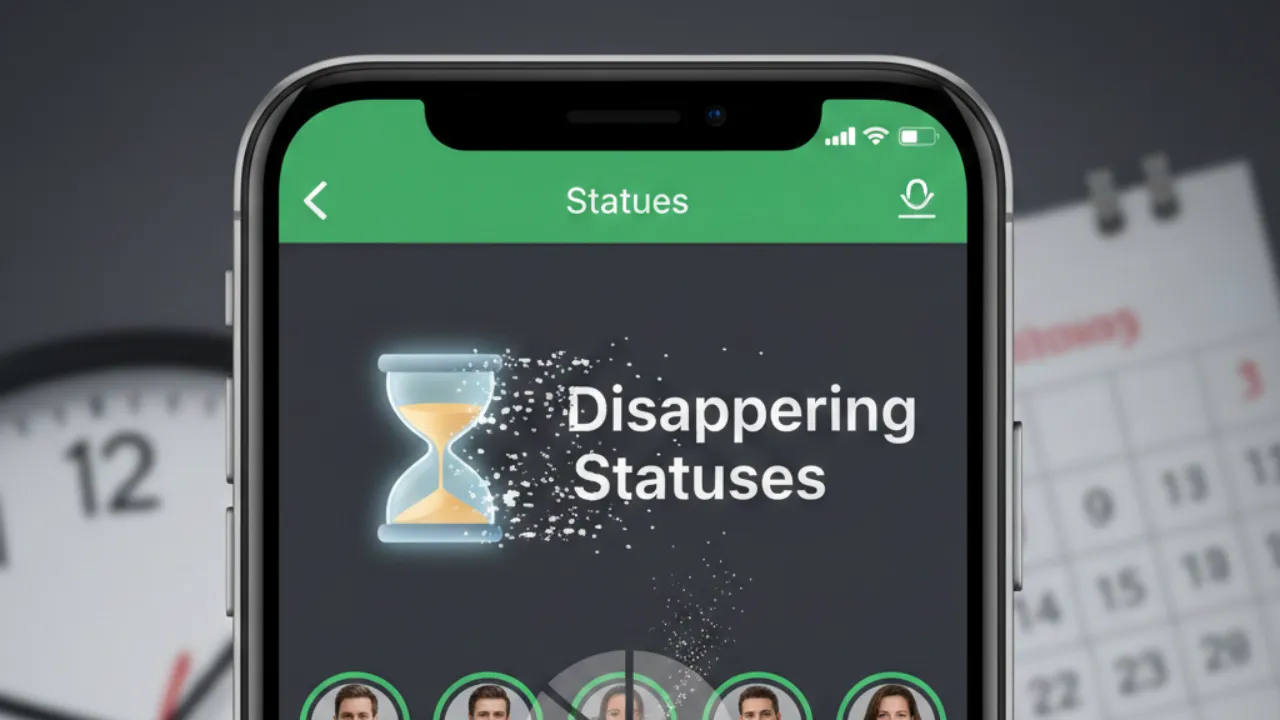
Disappearing Statuses: WhatsApp has officially released a new feature that gives users more control over their “About” status by allowing it to automatically disappear after a set amount of time. The feature—first spotted in the WhatsApp beta for iOS 25.23.10.78—is now rolling out widely, bringing a more dynamic and flexible way to share updates with contacts.
A New Approach to the WhatsApp About Section
Until now, WhatsApp’s About section stayed unchanged unless users manually edited or deleted it. The new “Disappearing About” feature changes that completely. Users can now choose how long they want their status to remain visible, with timer options ranging from a few hours to as long as a month. Once the set time expires, the About automatically clears itself—no extra effort needed.
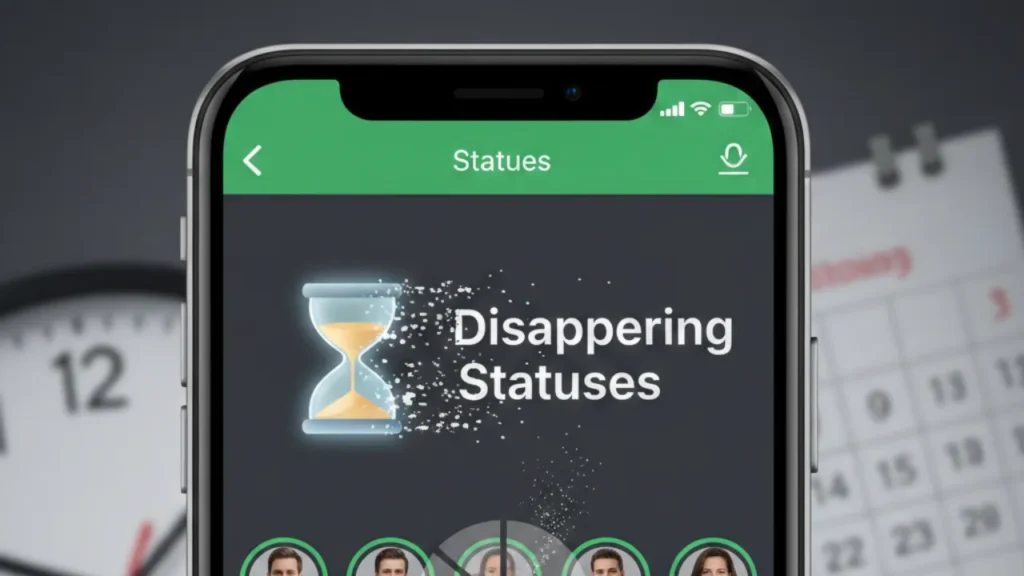
These temporary statuses appear directly inside chats as well as in the chat info screen, giving contacts quick context without opening a profile. WhatsApp has also added the option to include emojis, making these short-term updates more expressive and fun.
WhatsApp says the idea behind disappearing statuses is simple: people often want to share what they’re doing right now—like being busy, traveling, offline, or available—without leaving outdated information on their profile. The feature helps keep profiles clean, relevant, and easier for contacts to understand at a glance.
Better Control With Editing, Privacy, and Archives
Even with timers, users still remain in complete control. The About can be edited, updated, or deleted at any moment. Privacy settings continue to decide who can see these updates, just like before.
Once an About status expires, it doesn’t vanish forever. Instead, WhatsApp stores old statuses privately in a personal archive, allowing users to revisit or reuse them if needed. This archive helps keep profiles tidy while preserving previous updates for reference.
Also read; ✨ Blinding Brilliance? Samsung Galaxy S26 Series Displays Reportedly Aiming for Record Brightness!
WhatsApp Makes the About Section More Visible and Useful
Alongside the disappearing timers, WhatsApp has refreshed the design of the About section. The update makes the About more visible and instantly accessible in conversations.
Instead of hiding inside the contact details screen, the About now shows up directly:
- Inside one-on-one chats, displayed under the contact’s profile picture
- In the chat info screen, with clearer formatting
- In a new bubble-style layout, making it easier to spot while chatting
This bubble appears only when the person has an active status. Because users can see these updates without navigating away from the conversation, checking someone’s activity or availability becomes much quicker.
This design makes the About feel more like a real-time update rather than a static profile field. Whether someone is in a meeting, on a flight, studying, or simply taking a break, the information is immediately visible.
Timers and Auto-Expire Options: How They Work
The highlight of the new experience is the flexible timer controls. Users can pick from several duration presets tailored for short- or long-term updates. Options include:
- A few hours
- One day
- Several days
- Up to one month
These timers ensure that temporary situations don’t overstay on a user’s profile. For example:
- Setting “In a meeting” for 2 hours
- Marking “Traveling this week” for 7 days
- Using “On vacation” for one month
WhatsApp also displays how much time is left before the status expires, so users can adjust or cancel it whenever they want.
When the timer runs out, the About automatically disappears. This eliminates the need for manual cleanup and prevents old information—like “Busy today” from three weeks ago—from confusing contacts.
Where You’ll See the New About in WhatsApp
The new About placements ensure users never miss important updates from their contacts. They now appear:
- At the top of chat windows
- Inside the chat info screen
- Beneath the profile picture, inside a neat bubble
This bubble format keeps the interface clean while making statuses easy to notice. It’s especially helpful for short-term context updates—like knowing if someone is unavailable, in a low-connectivity area, or traveling.
Overall, the layout upgrade makes WhatsApp more intuitive and reduces unnecessary steps when checking someone’s status.
The introduction of disappearing statuses marks a thoughtful upgrade to WhatsApp’s About section. With clearer visibility, customizable timers, and automatic expiration, users can now keep their profiles accurate without constantly updating them. It brings a modern, real-time feel to WhatsApp’s communication experience, making everyday interactions more effortless and informative.