WhatsApp Is Finally Adding WhatsApp Status Drafts — Here’s How the New Feature Works
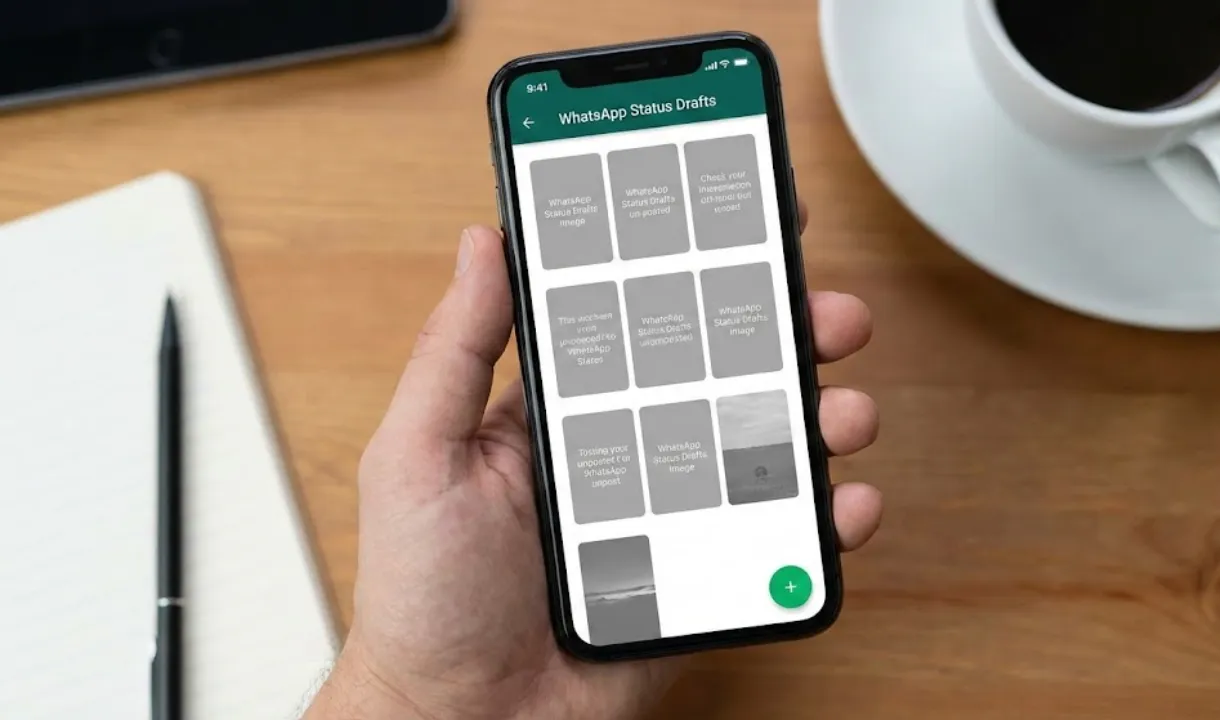
WhatsApp Status Drafts: WhatsApp is quietly testing a major upgrade that many users have been waiting for: the ability to save draft versions of status updates. After introducing message drafts to the chats list in an earlier beta, WhatsApp is now expanding the concept to the Status section — and it’s already rolling out to some Android beta testers.
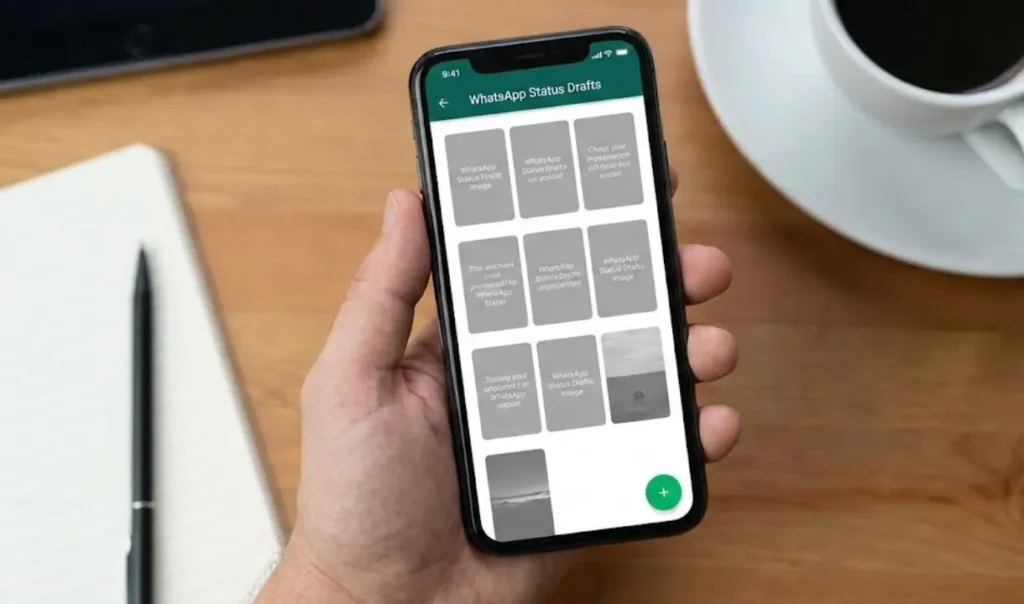
Drafts Move Beyond Chats
Just a few weeks ago, WhatsApp rolled out message drafts inside the chats list with the Android 2.24.20.24 beta. This made it easier for users to spot conversations with unfinished messages, helping them avoid forgetting important notes. Drafts were highlighted directly in the chat list, creating a cleaner and more organized messaging experience.
Now, WhatsApp is taking this idea even further.
With the latest WhatsApp beta for Android 2.25.37.1, available on the Google Play Store, some users are now seeing a brand-new option that lets them save unfinished status updates for later editing.
A New Save Button Appears in the Status Editor
According to testers, a dedicated Save button has been added to the top of the status editor. When creating a status — whether text, drawings, stickers or edited photos — users now have the option to save their progress instead of publishing immediately.
This solves a long-standing problem: until now, anyone wanting to preserve a partially edited status had to send it to themselves in a personal chat, cluttering their inbox and creating unnecessary duplicate files. With the new update, saving drafts happens directly inside the status editor.
Perfect for Interrupted Moments
WhatsApp says this feature is especially useful in situations where users start editing a photo or writing a caption but get interrupted. Instead of losing their progress or rushing to finish, they can simply save the draft and return later.
Even better, the app now shows a save prompt when users press the back button while editing a status. Instead of losing their work instantly, they’re presented with two choices:
- Discard
- Save as Draft
This small addition helps prevent accidental loss of progress, which is common when multitasking or switching apps quickly.
Drafts Reopen Exactly as You Left Them
Every detail of the draft — including text formatting, sticker placement, overlays, colors and positioning — is preserved. When users return to edit the draft, it opens exactly as it was before.
This makes the editing environment much more reliable, especially for those who spend time adjusting visuals, choosing the right font or tweaking colors before posting.
A Cleaner and More Flexible Way to Create Status Updates
The expansion of drafts brings more flexibility to WhatsApp’s Status feature. Users can now:
- Prepare content in advance
- Pause editing anytime
- Refine their updates slowly
- Resume editing from the gallery
- Avoid cluttering chats with “saved” photos
The result is a smoother workflow that feels more professional and convenient, especially for creators or users who like to plan their status posts carefully.
Rolling Out to Beta Testers Now
The ability to save drafts for status updates is currently available only to selected beta testers on the latest WhatsApp beta for Android. Since this is an early rollout, WhatsApp is using this phase to test stability across different devices and configurations.
A wider rollout is expected in the coming weeks as the company fine-tunes the experience and fixes any issues based on user feedback.
Also read;
OPPO K13 Turbo 5G at Just ₹11,499 — This Might Be the Real Flagship Killer of 2025
iOS 26.2 Is Finally Here — And It Brings Some Big Changes You’ll Actually Notice








Post Comment