A Beginner’s Guide to Using Message Reactions on Telegram
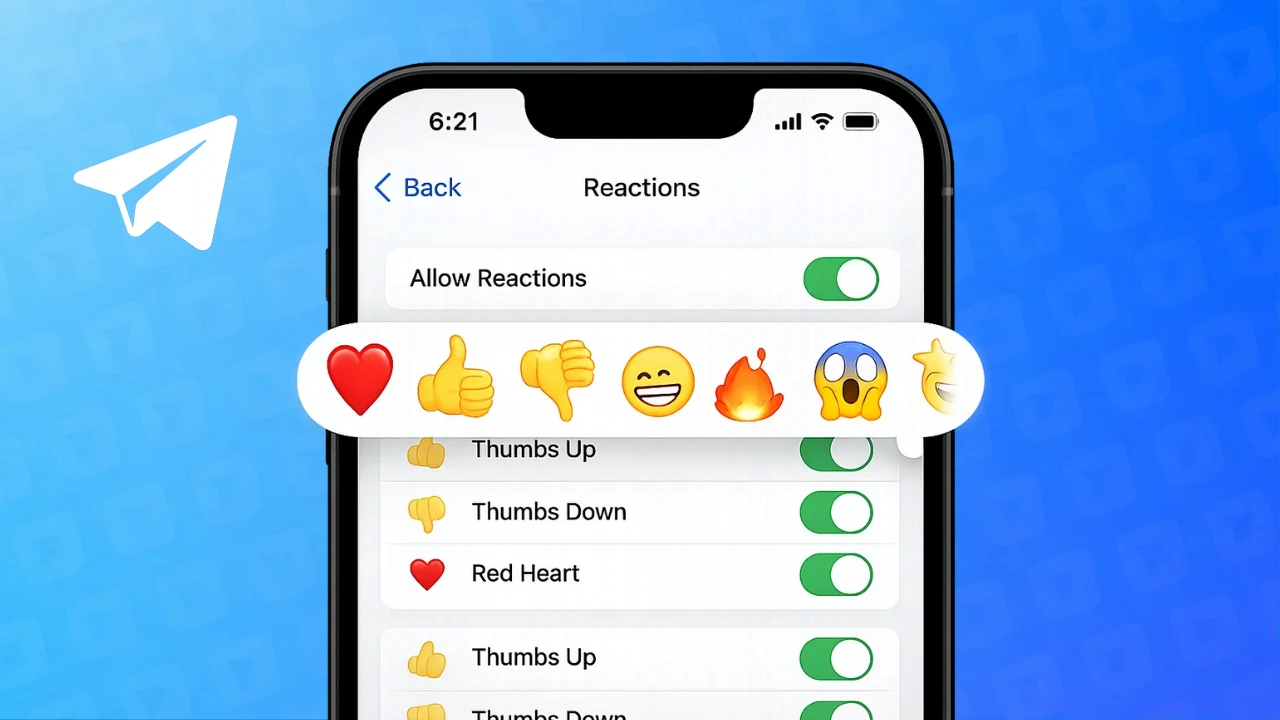
Telegram keeps adding small but useful features to make chats easier and more interactive. One such feature is message reactions. Instead of replying with short texts like “okay” or “nice,” you can simply react to a message using an emoji. This helps keep conversations clean and saves time, especially in busy chats.
If you are not sure how message reactions work in Telegram, this guide explains everything in a simple and beginner-friendly way.
Also read: How to Change or Remove Your Last Name on Facebook Profile
What Are Message Reactions in Telegram
Message reactions are emoji responses that appear below a message. They allow users to quickly show feelings such as agreement, appreciation, or excitement without sending a new message.
Multiple people can react to the same message, and all reactions remain visible to everyone in the chat.
Telegram supports message reactions in:
- One-to-one chats
- Group conversations
- Public and private channels
How to Use Message Reactions on Telegram
Using Telegram on Android or iPhone
- Open the Telegram app
- Go to the chat where the message is located
- Press and hold the message
- Choose an emoji from the reaction bar
The selected emoji will appear below the message instantly.
Using Telegram on Computer
- Open Telegram Desktop or Telegram Web
- Hover over a message
- Click the reaction option
- Select an emoji
The reaction is added without sending a separate reply.
Editing or Removing a Reaction
Telegram allows full control over your reactions.
- To change a reaction, select a different emoji
- To remove a reaction, tap or click the same emoji again
The update happens instantly and does not notify other users separately.
Custom Reactions in Telegram Chats
Some chats offer more than standard emoji reactions. Depending on chat settings, you may see:
- Animated emojis
- Special reaction sets
- Custom emojis in channels
These options are controlled by chat administrators and may not be available everywhere.
Reaction Controls for Groups and Channels
Admins can manage how reactions work in their chats. They can:
- Disable reactions entirely
- Allow only specific emojis
- Limit how many reactions a message can receive
This helps prevent spam and keeps large chats organized.
Why Telegram Message Reactions Are Useful
Message reactions improve communication in several ways:
- Faster responses
- Less clutter in group chats
- Easy feedback in channels
- Better engagement without extra messages
They are especially helpful in large groups where many users want to respond to the same post.
When Reactions May Not Be Available
If you cannot see reaction options:
- Update your Telegram app to the latest version
- Check if reactions are turned off in that chat
- Some chats may restrict reactions intentionally
Most users can access reactions once the app is updated.
Also read: How to Edit Videos Directly in WhatsApp Before Sending
Final Thoughts
Message reactions in Telegram make conversations more efficient and expressive. They reduce unnecessary replies and help users interact quickly, whether in private chats or large communities. Once you get used to them, reactions become a natural part of everyday Telegram use.








Post Comment