How You Can Tag Someone on an Instagram Story After Posting
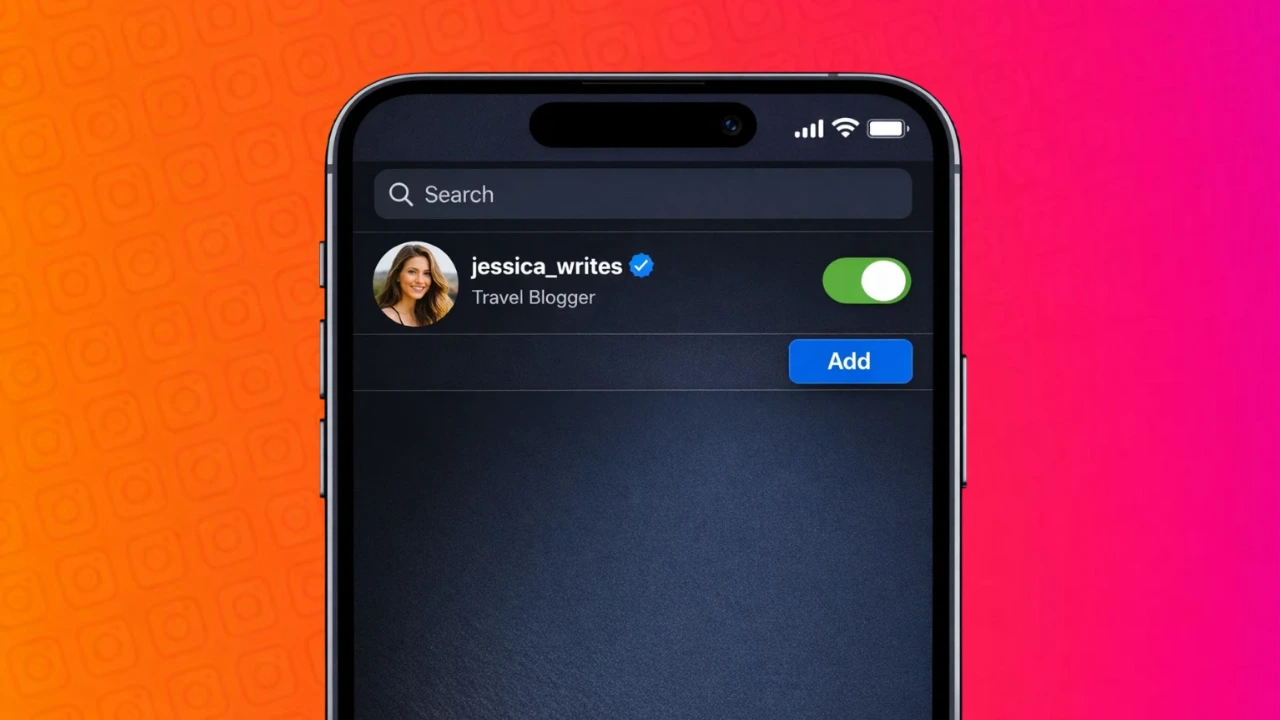
Posting an Instagram story in a hurry often leads to small mistakes, and one of the most common ones is forgetting to tag someone. The good news is that Instagram does allow you to add a tag even after your story is already live. You just need to know where to look and how the feature works.
This guide explains the official way to tag someone on an Instagram story after posting, without deleting or reuploading the story.
Also read: How to Remove Sent Messages on Instagram Chats
Can You Add Tags After Posting an Instagram Story?
Yes, Instagram provides an option to add mentions to a story after it has been posted. While you cannot edit the visual content of the story, you can still tag accounts using the mention feature. Once added, the tagged person receives a notification and can reshare the story if allowed.
This works on both Android and iPhone devices.
How to Tag Someone on an Instagram Story After Posting
Follow these steps carefully:
- Open Instagram and go to your profile
- Tap on your active story
- Look for the three dots or menu option on the story screen
- Select the option to add mentions or tag people
- Search for the username you want to tag
- Confirm and save the changes
After this, the tagged account will receive a notification about the mention.
What Happens After You Add a Tag?
Once you add a tag to an already posted story:
- The tagged person gets notified instantly
- They can view the story from their notifications
- If sharing is enabled, they may repost it to their own story
- Your original story remains unchanged visually
This makes it easy to fix missed tags without losing engagement or story views.
Limitations You Should Know
Although the feature is useful, it does come with a few limitations:
- You cannot reposition or design the tag visually
- The mention does not appear as a visible sticker
- You cannot tag private accounts unless they allow mentions
These restrictions are part of Instagram’s current story editing rules.
Tips to Avoid Forgetting Tags in the Future
To save time and avoid edits later:
- Tag people while creating the story
- Use drafts if you are unsure
- Double-check mentions before posting
- Keep a checklist for branded or collaborative posts
This helps especially if you manage multiple accounts or post frequently.
Also read: What Different WhatsApp Call Messages Really Mean and Why You See Them
Final Thoughts
Forgetting to tag someone on an Instagram story is not a big issue anymore. With Instagram’s built-in mention feature, you can easily add tags after posting without removing the story. It’s a simple fix that ensures proper credit, collaboration visibility, and better engagement.
Using this feature correctly helps maintain professionalism and avoids unnecessary reposts.








Post Comment