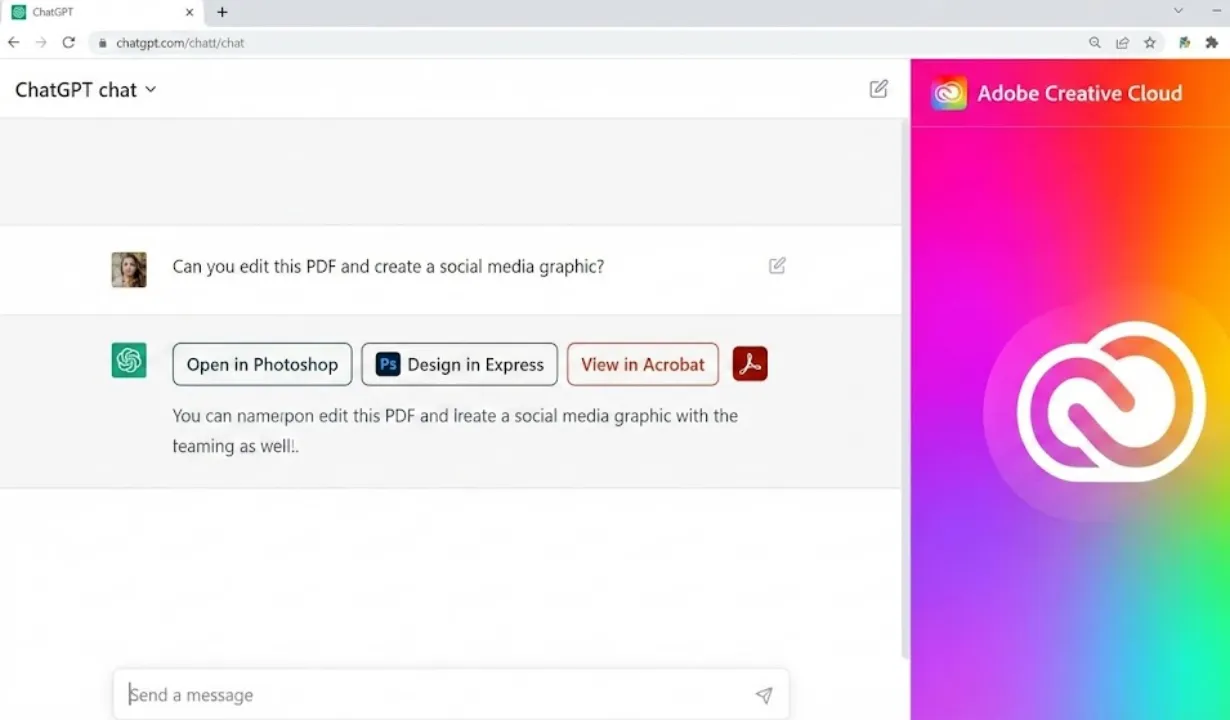

Adobe Brings Photoshop, Express & Acrobat Directly Into ChatGPT: Adobe has taken a major leap into the AI-chat era by integrating three of its most iconic apps—Photoshop, Adobe Express and Acrobat—directly into ChatGPT. Starting today, users can edit photos, design graphics, or handle PDF tasks without ever leaving the chat window.
The integration works across desktop, web, and iOS. Adobe Express support is already available on Android, with Photoshop and Acrobat on the way. The tools are free to use inside ChatGPT, though users still need an Adobe account to access them.
A New Way to Work: Editing Through Prompts Instead of Menus
Adobe says the move reflects how people increasingly work with AI: typing quick instructions instead of switching apps and digging through complex toolbars. Now, ChatGPT will simply trigger the right Adobe features behind the scenes.
For example, instead of opening Photoshop, users can just type:
- “Blur the background of this image.”
- “Brighten the subject and remove the shadows.”
- “Replace the sky with a sunset.”
Photoshop will apply the change, and ChatGPT will show movable sliders so users can fine-tune the effect—no need to rewrite the prompt or redo the edit.
Adobe Express for Fast, Template-Based Design
For creators and small businesses, Adobe Express brings an easier way to make quick designs inside ChatGPT:
- Social media posts
- Marketing banners
- Posters and flyers
- Animations
- Template-based graphics
Users can insert their own text, swap images, or style elements—all using plain language. For many who find complex design tools intimidating, this chat-first workflow makes creative work faster and more accessible.
Acrobat Brings PDF Editing Into the Chat Window
Acrobat integration means users can now ask ChatGPT to:
- Merge multiple PDFs
- Edit or add text
- Extract tables or data
- Summarize long documents
- Answer questions about the content
If a job requires more advanced editing, the user can still move the file into the full desktop version of Acrobat.
Not Replacing Pro Tools — Just Speeding Up Common Tasks
Adobe says the goal isn’t to replace Creative Cloud apps but to complement them with a faster, lighter starting point.
- Professionals can use ChatGPT for quick mockups, simple clean-ups or rapid PDF edits.
- Students, casual users and small businesses might do most of their work directly in the chat window.
- When tasks become more complex, the workflow naturally shifts back to the full desktop app.
This integration also introduces Adobe’s tools to ChatGPT’s enormous audience of hundreds of millions of weekly users.
A Bigger Shift: Software Is Moving Into Chat
Adobe’s move reflects a broader trend: more everyday tasks are transitioning into chat-based interfaces. Instead of opening three different apps for photos, designs and PDFs, users can simply describe what they want — and ChatGPT will handle the rest through Adobe’s tools running in the background.
For Adobe, being inside ChatGPT puts its creative tools in the same place where many people now begin their workday: the chat box.
Also read;
WhatsApp Is Finally Adding WhatsApp Status Drafts — Here’s How the New Feature Works
OPPO K13 Turbo 5G at Just ₹11,499 — This Might Be the Real Flagship Killer of 2025
iOS 26.2 Is Finally Here — And It Brings Some Big Changes You’ll Actually Notice